Restore faces & focus, carefully
On-device face restoration models bring back detail and clarity in portraits and older digital shots with out-of-focus areas. Choose between subtle or stronger passes to match your photo.
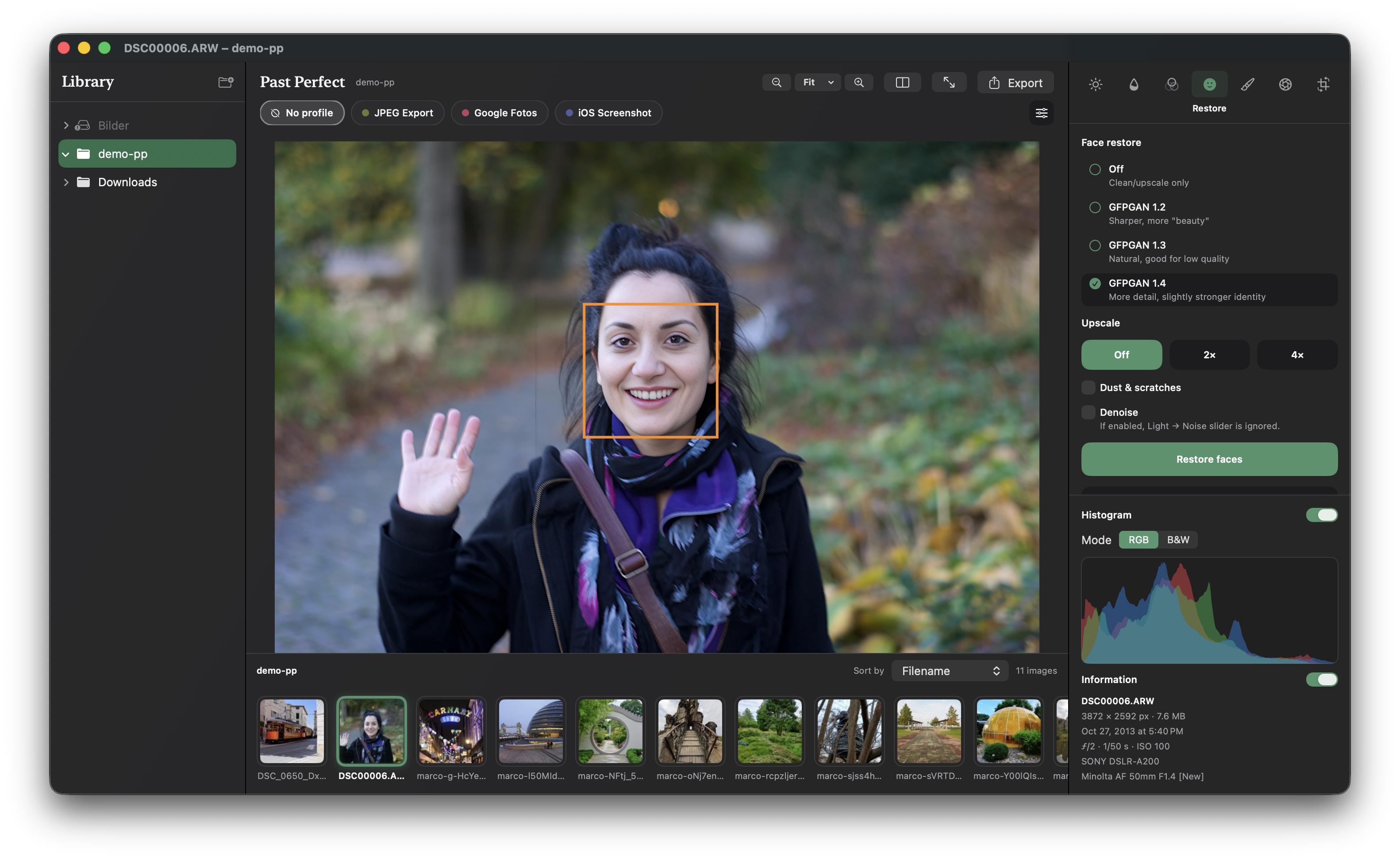
Restore family photos without sending them to the cloud.
A calm, on-device editor for your digital pictures and portraits — face restore, out-of-focus clarity, dust cleanup, light, color and looks on Mac, iPhone and iPad.


Drag the slider to compare an older digital photo with a soft, out-of-focus face against the on-device AI restored version. Facial features, eyes and natural skin textures are reconstructed with subtle precision — without an artificial beauty-filter look.


Keep the character of the original. Improve what time wore away — faces, focus, tone and color — with tools that stay on your machine.
On-device face restoration models bring back detail and clarity in portraits and older digital shots with out-of-focus areas. Choose between subtle or stronger passes to match your photo.
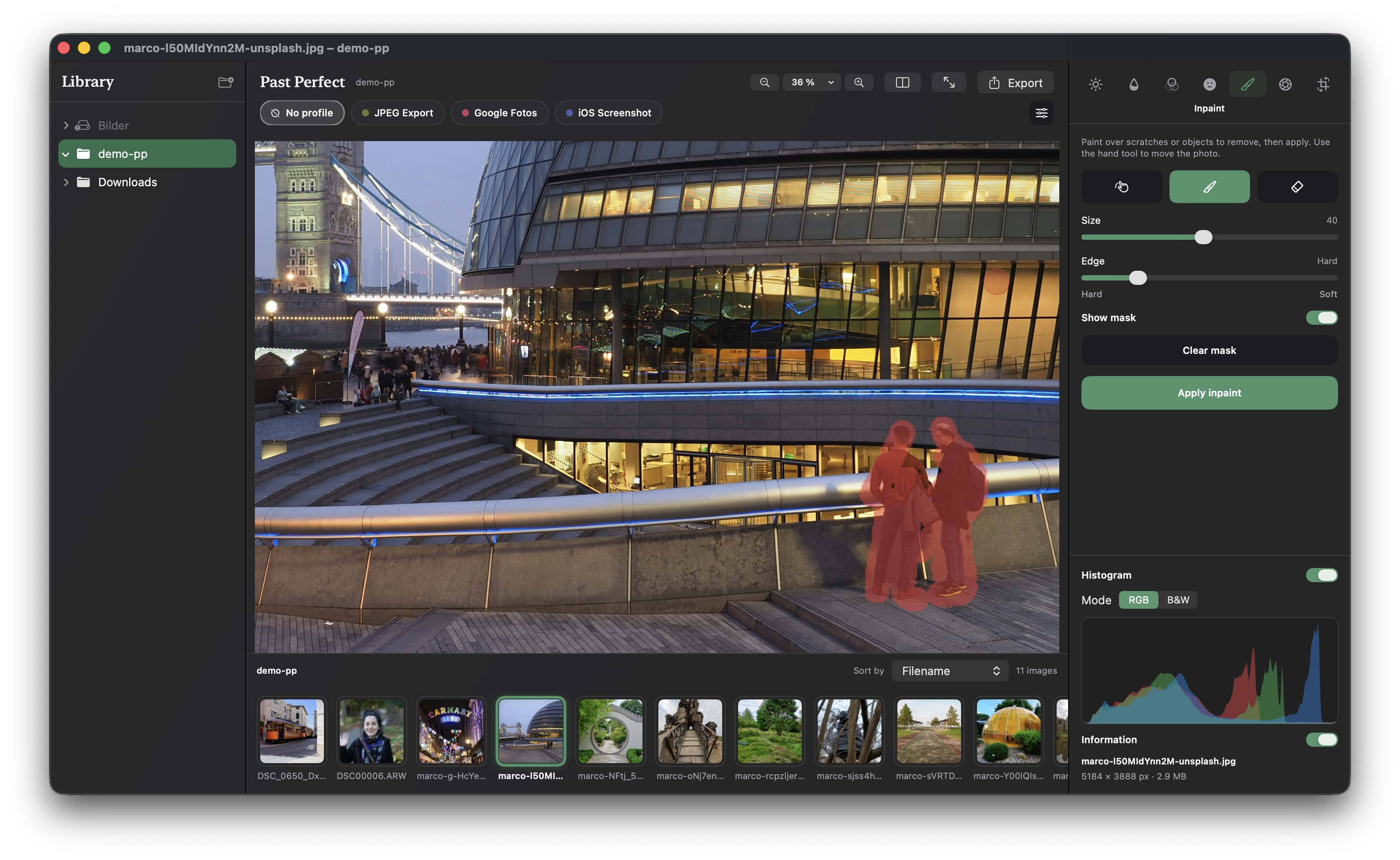
Remove unwanted objects or fix damage — paint over date stamps, scratches or distractions, then apply. Filling runs on-device, so the photo never leaves your Mac.
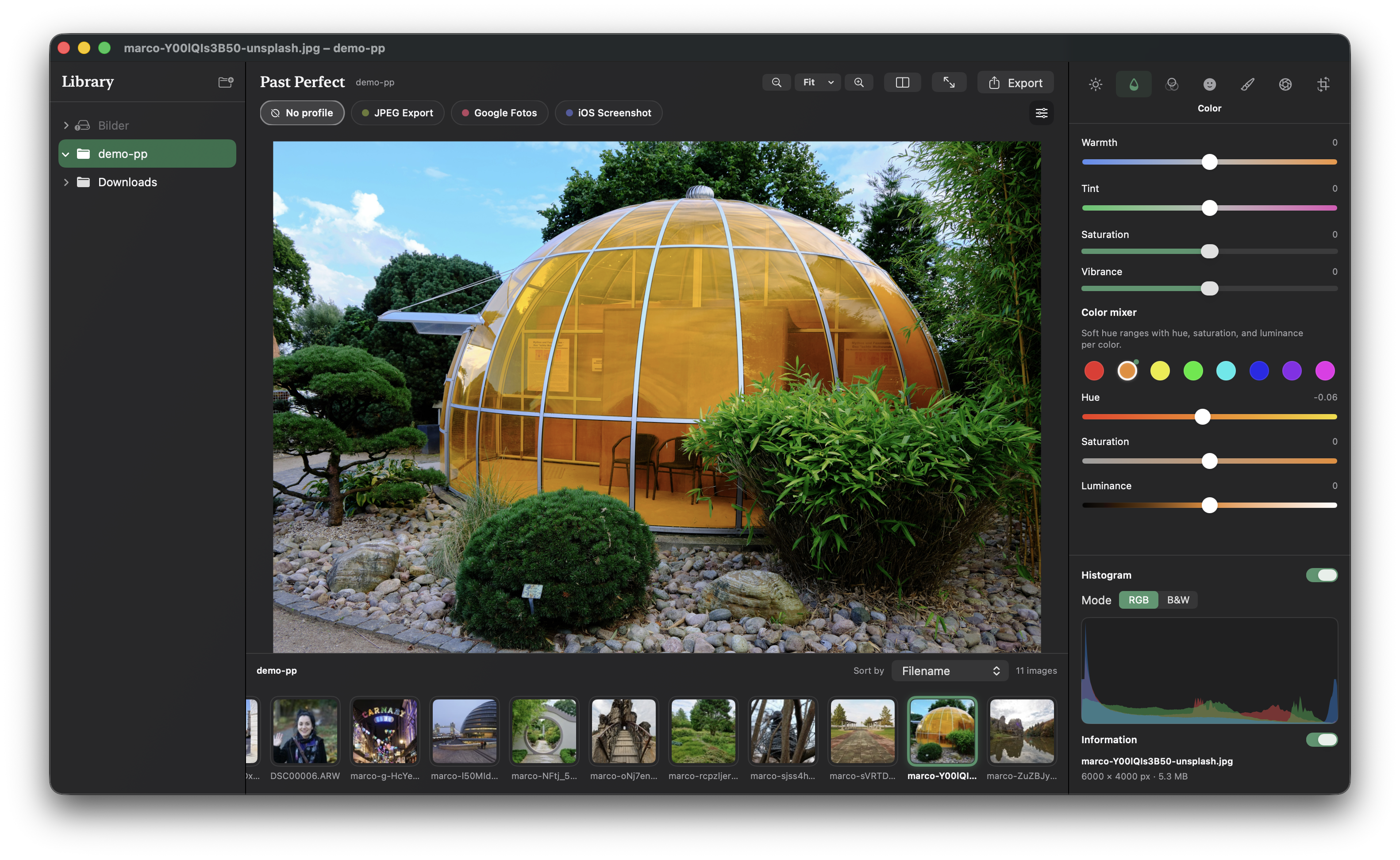
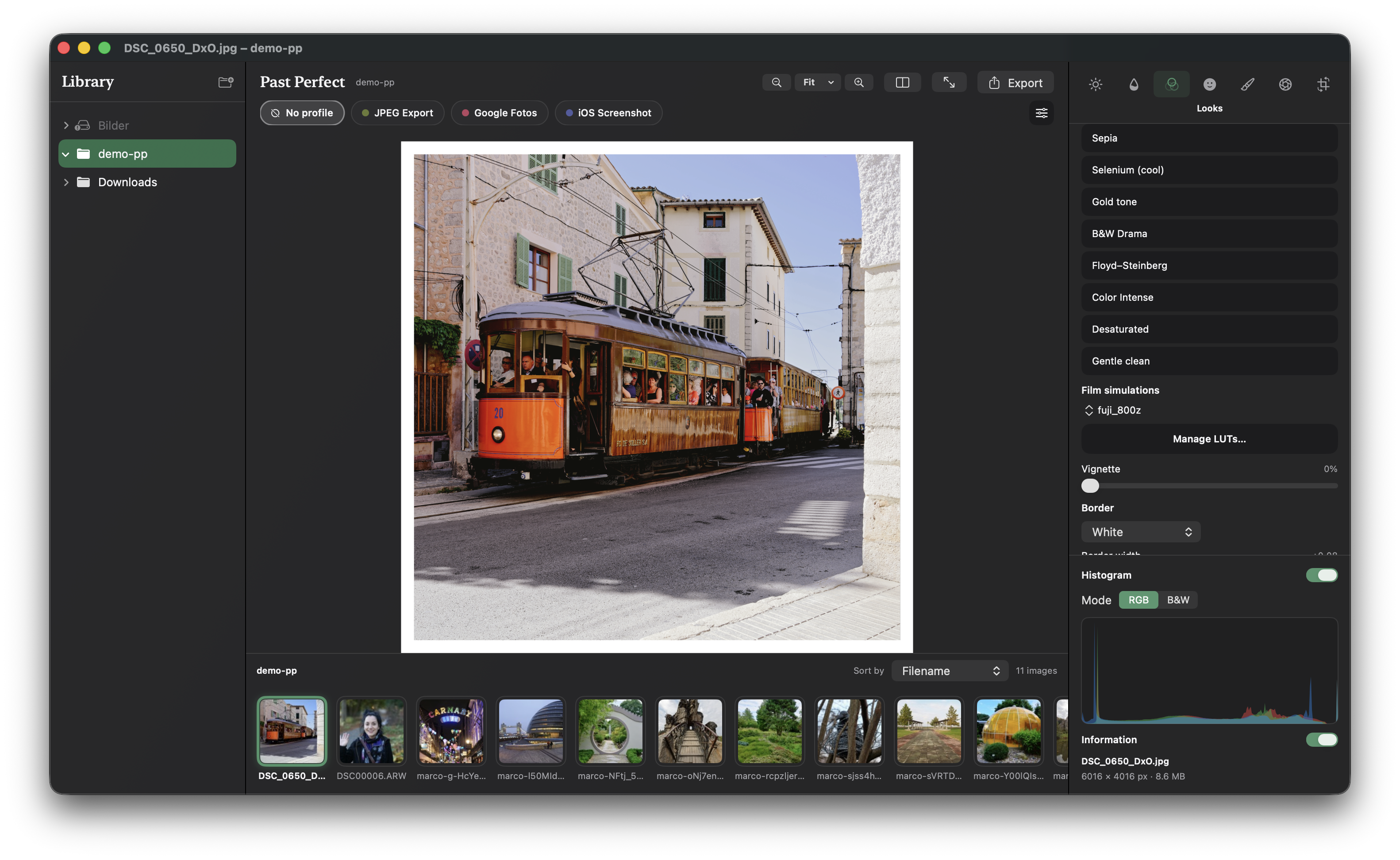
Exposure and tone, color mixer, LUT looks, vignette and frames — classic editing beside restoration, without a crowded “AI studio” feel.
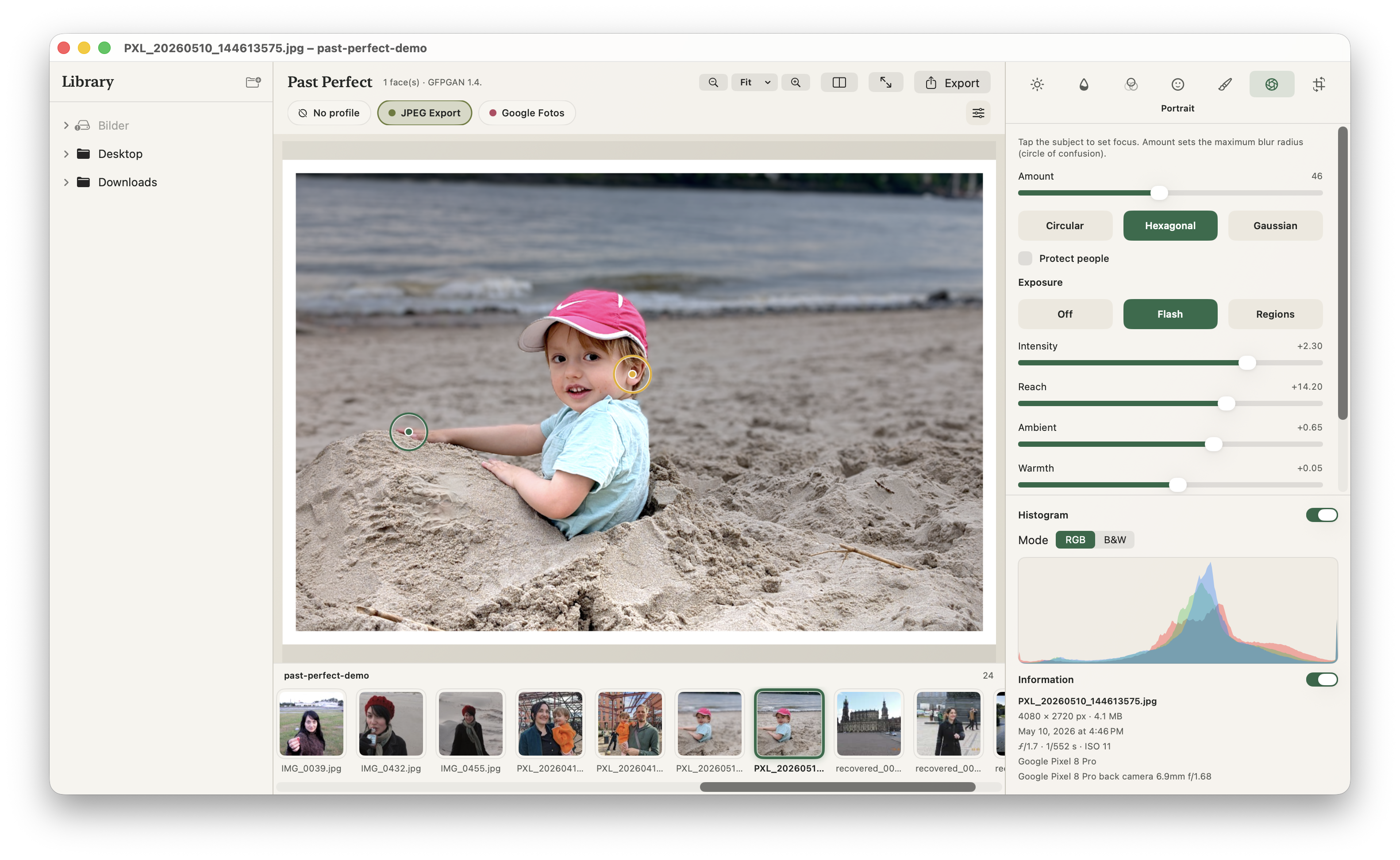
Portrait mode with background blur, selective exposure adjustments and flash lighting.
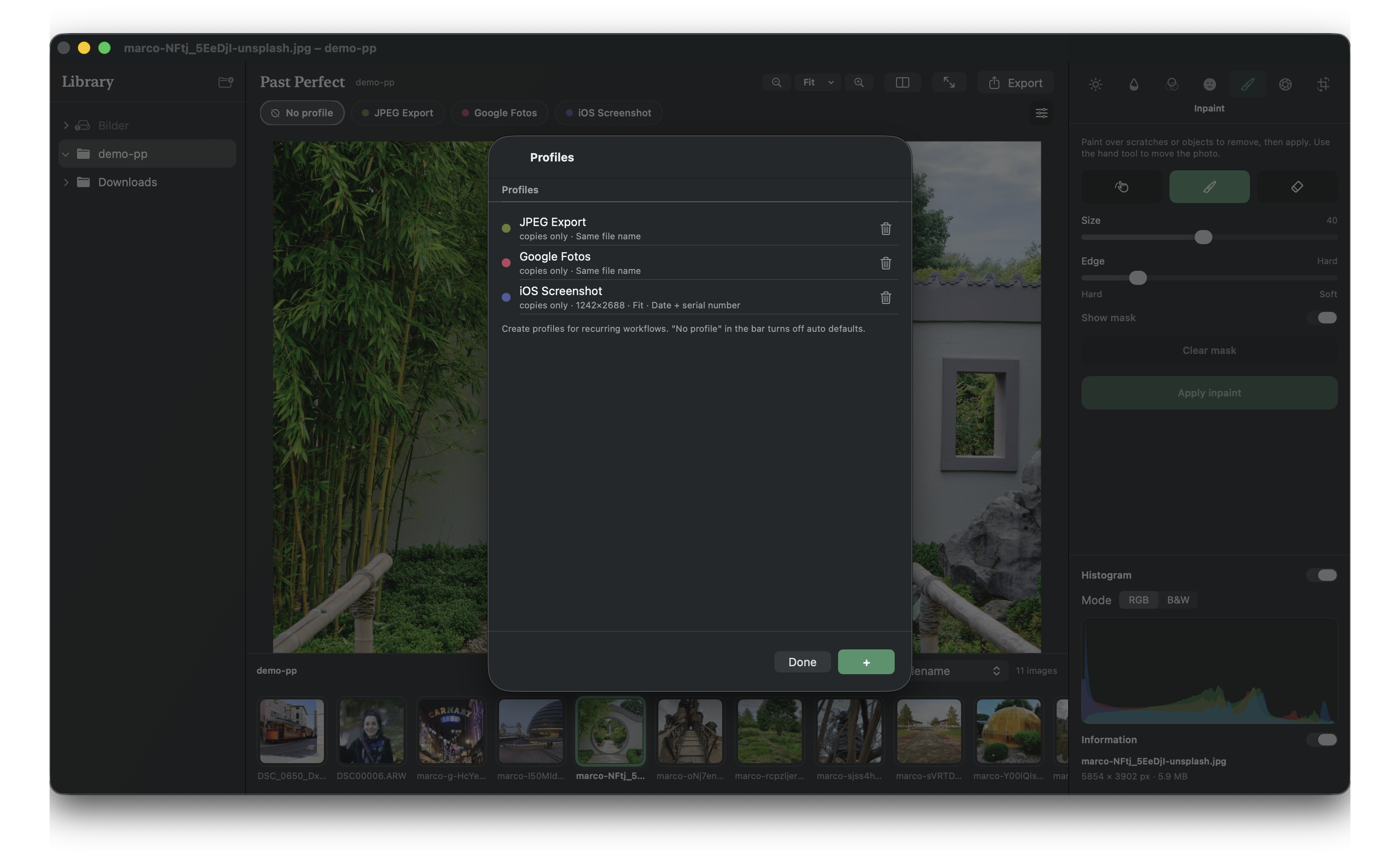
Save a proven workflow as a profile, then run it across a folder. Non-destructive edits stay with your library until you export.
Available directly on the Mac App Store for macOS and the App Store for iPhone & iPad.
Runs natively on Apple silicon and Intel Macs. Automatic updates and seamless installation directly via the Mac App Store.
Looking for direct download? Download SIINTO
Same on-device spirit in a single-photo flow — import, edit, and save a copy to Photos or Files with complete privacy.